
- Views: 294
- Replies: 2
Deceptively simple the Orderflow Speed allows you to monitor market speed and enables you to view trading activity right in your chart. OrderFlow Speed has three modes: Total Speed, Buying Speed, Selling Speed and Delta Speed. It supports Tick Replay feature so that you can visualize historical trading activity.
Features
Easily analyze the speed at which orders are being executed.Great to spot divergences between price movements and participant’s volume entering the market.
Filters
View current session and previous session VWAP levels with the ability to display the labels of each of the levels.
Reconstruct Trades
VWAP Pack allows you to build Alerts that trigger ATM strategies based on the values of VWAP of the current or previous session or the currents session price position in the Alerts Dialogue.
Tick Replay
Get historical OrderFlow Speed data by enabling Tick Replay on your charts.
Delta MomentumQuickly see what is the OrderFlow Speed Momentum.
Cumulative Mode
View the cumulative OrderFlow Speed of the Session.
Divergence
Display divergence between bar and OrderFlow Speed.
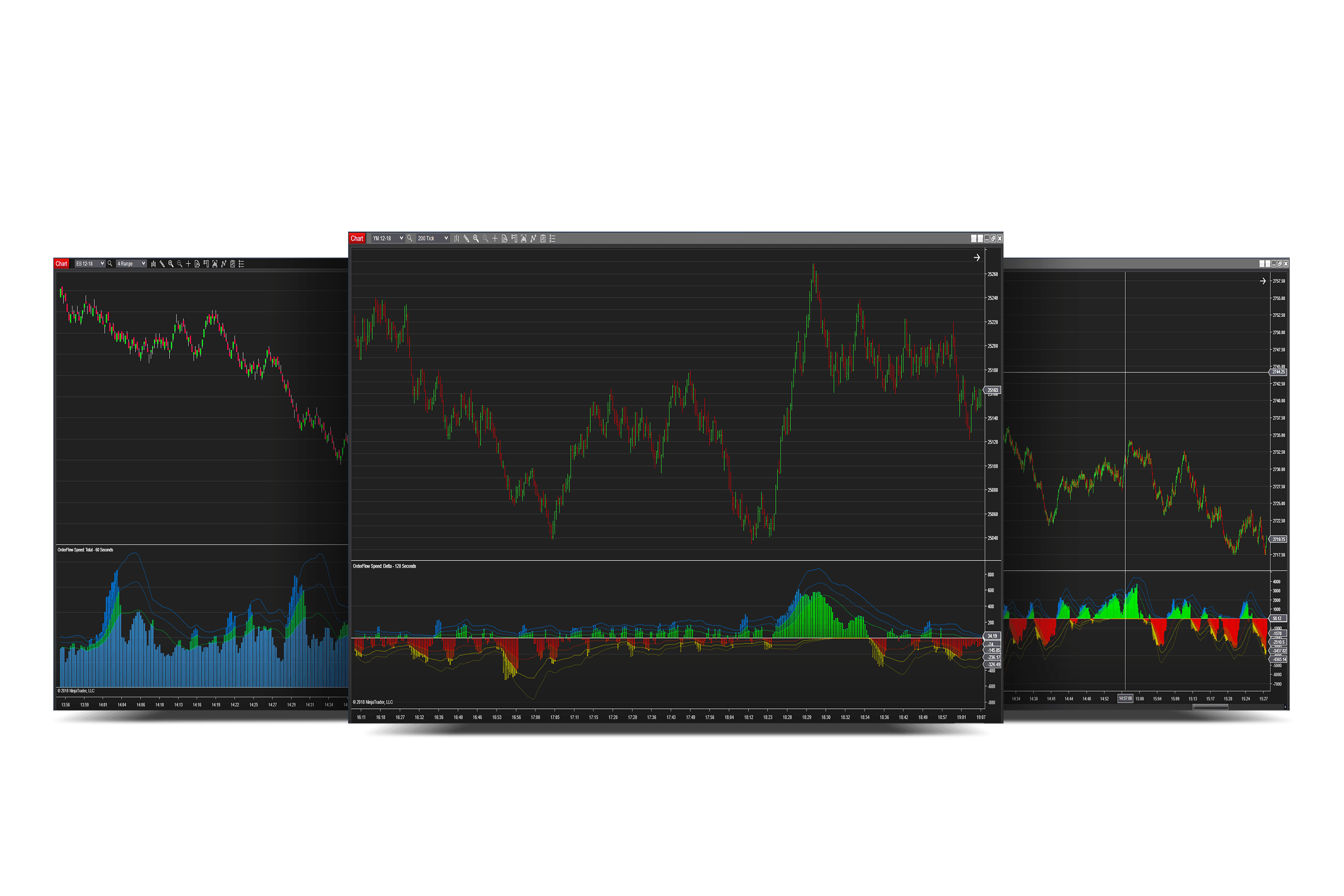
OrderFlow Speed: Real-Time Trading Activity Visualization Tool
OrderFlow Speed tracks market pace and integrates trading activity into your charts, with Tick Replay for past activity visualization.
 tradingorderflow.com
- Close Nt8
- Install Setup
- Copy the dll into Documents\NinjaTrader 8\bin\Custom


Attachments


